

Best Mechanical Keyboard vs Normal Keyboard Comparison Guide (2025)

Introduction
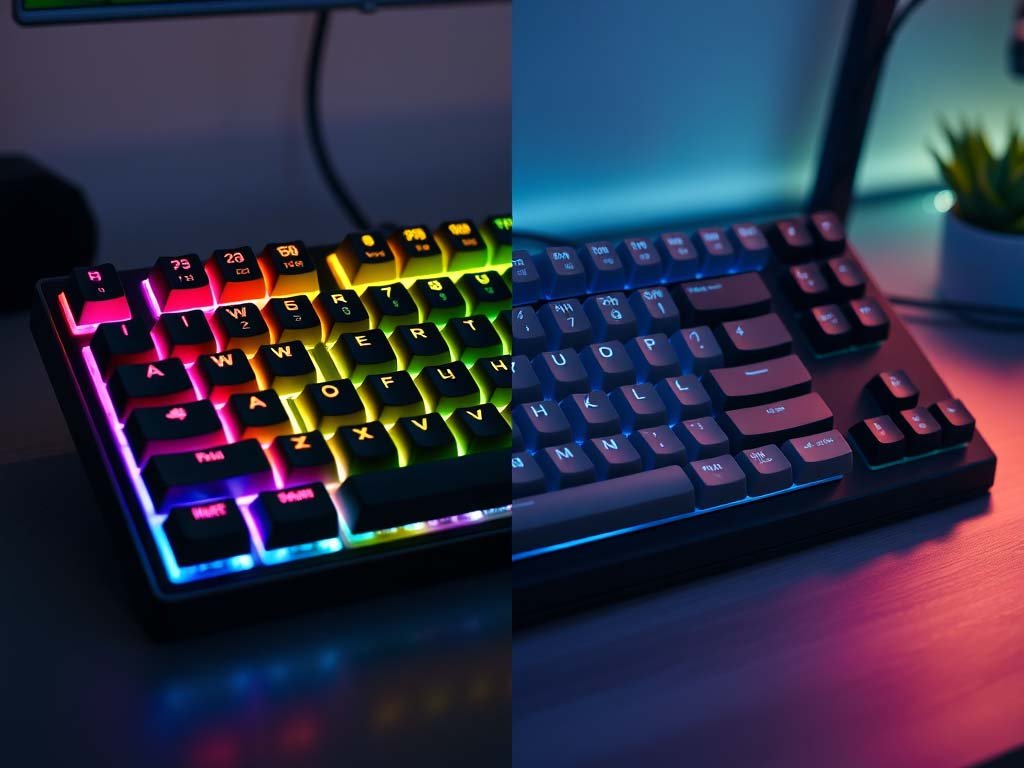
When choosing a keyboard, one of the biggest debates is Mechanical Keyboard vs Normal Keyboard. Whether you’re a gamer, a student, or someone who spends long hours typing, your keyboard choice impacts comfort, speed, and performance. In this article, we’ll break down the key differences, advantages, and disadvantages of both options to help you decide the best keyboard for your needs.
What is a Mechanical Keyboard?
A mechanical keyboard uses individual mechanical switches for each key. When you press a key, the switch underneath registers the keystroke. These switches are made of high-quality components such as springs, stems, and housings, making them durable and precise.
Mechanical keyboards are known for their tactile feedback, audible clicks (depending on the switch type), and long lifespan. On average, a mechanical keyboard can last for 50–100 million keystrokes per switch, far more than a normal membrane keyboard.
Types of Mechanical Keyboard Switches
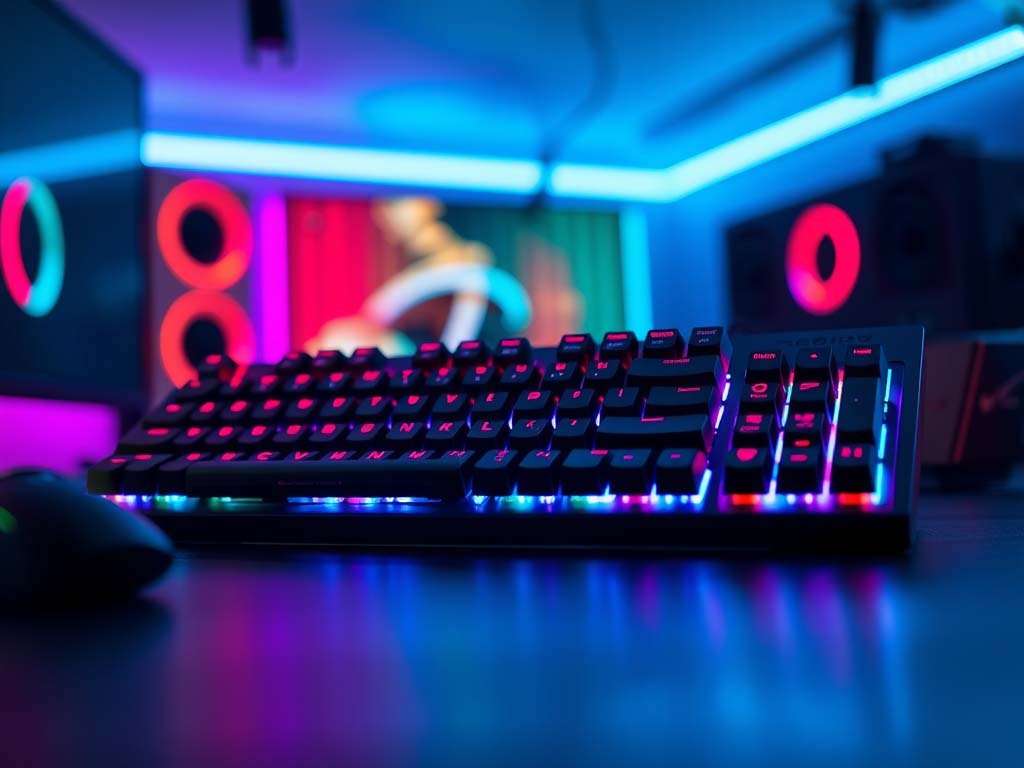
One of the most exciting aspects of mechanical keyboards is the variety of switch types available. Each switch provides a unique typing feel, sound, and level of responsiveness. Here are the most popular types:
- Linear Switches –
These switches provide a smooth keystroke without any tactile bump or audible click. They are fast and consistent, making them ideal for gaming where rapid key presses matter. Example: Cherry MX Red. - Tactile Switches –
Tactile switches give you a noticeable bump when a key is activated, without being too loud. They are perfect for typing since they offer feedback without requiring you to bottom out each key. Example: Cherry MX Brown. - Clicky Switches –
As the name suggests, clicky switches produce a satisfying “click” sound along with tactile feedback. They are preferred by those who love the classic mechanical keyboard sound and want a very audible typing experience. Example: Cherry MX Blue. - Silent Switches –
Designed for quieter environments, silent switches minimize noise while maintaining a mechanical feel. These are great for offices or shared spaces where noise can be distracting.
What is a Normal (Membrane) Keyboard?
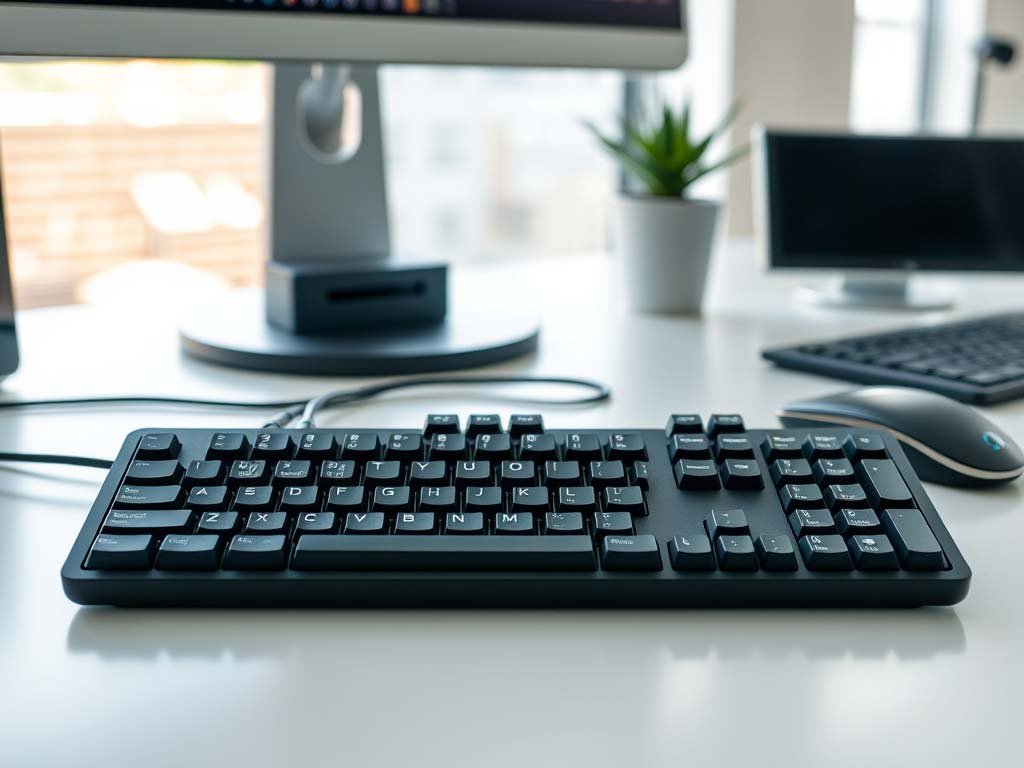
A normal keyboard, also known as a membrane keyboard, uses a thin layer of rubber dome switches under the keys. These are quieter, lighter, and more affordable compared to mechanical keyboards.
Key Features:
- Lightweight and slim design
- Quiet keypresses
- Budget-friendly
- Ideal for casual or office use
Mechanical Keyboard and Normal Keyboard: Key Differences
1. Typing Experience
- Mechanical Keyboard: Offers a premium typing feel with tactile feedback. Typists often feel less fatigued because every key press is precise.
- Normal Keyboard: Keys feel softer but less accurate. Good for light use but not ideal for long typing sessions.
2. Durability
- Mechanical: Built to last 10+ years. Switches can withstand tens of millions of presses.
- Normal: Lifespan is shorter; rubber domes wear out faster, especially with heavy use.
3. Price
- Mechanical: More expensive, ranging from mid-range to premium prices.
- Normal: Budget-friendly and easily available.
4. Gaming Performance
- Mechanical Keyboard: Highly preferred by gamers due to fast response time, anti-ghosting, and customizable switches.
- Normal Keyboard: Works fine for casual gaming but lacks responsiveness for competitive play.
5. Noise Level
- Mechanical: Can be loud depending on switch type (Blue switches are clicky, Red switches are silent).
- Normal: Usually quieter, making them suitable for office environments.
Which Keyboard is Best for You?
- If you are a gamer or someone who loves fast response and durability → go for a Mechanical Keyboard.
- If you are a student, casual user, or office worker who prefers quiet and affordable options → a Normal Keyboard is the better choice.
Conclusion
Choosing between a Mechanical Keyboard and Normal Keyboard depends on your usage. If performance, durability, and customization matter to you, invest in a mechanical keyboard. But if you want something affordable and simple, a normal keyboard works just fine.
👉 At TechGenics, we offer a wide range of gaming keyboards and accessories in Sri Lanka to suit every budget and preference.